

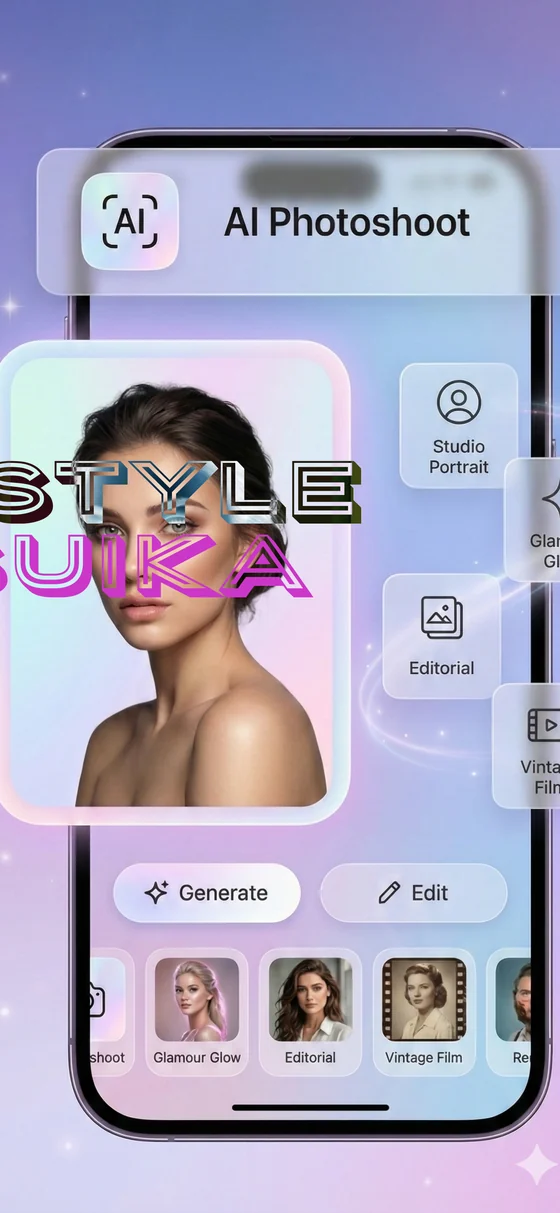
AI Photoshoot
Create polished studio-style portraits from everyday photos.
Suika helps users create studio portraits, AI avatars, remove unwanted objects, adjust lighting, and explore creative filters from one simple mobile app.
6+
AI tools
Private
No login required
3 steps
Fast creative flow
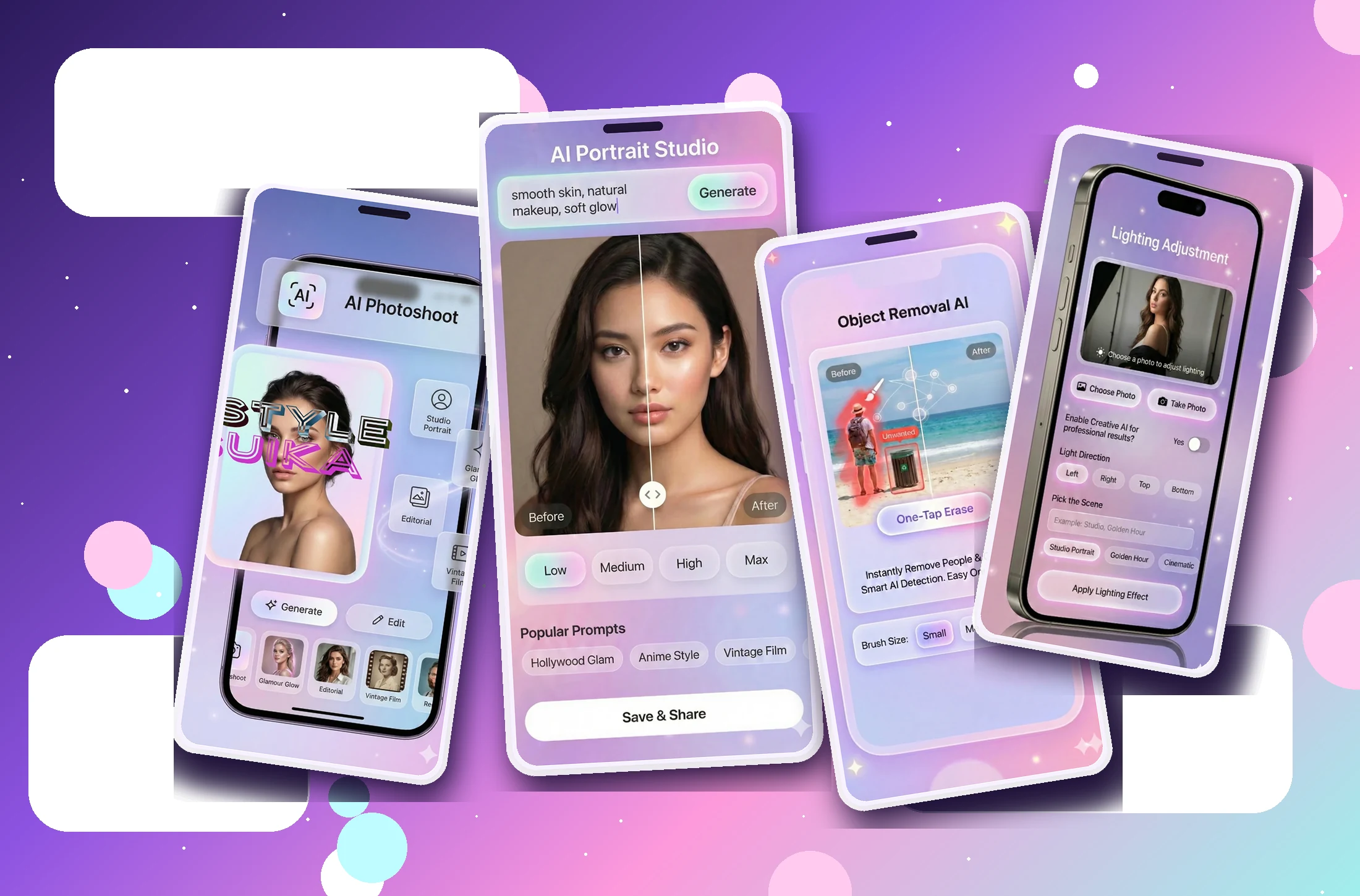
Features
Make the website feel like a real product page, not just a policy holder. Each feature block can link to a future SEO page.
Create polished studio-style portraits from everyday photos.
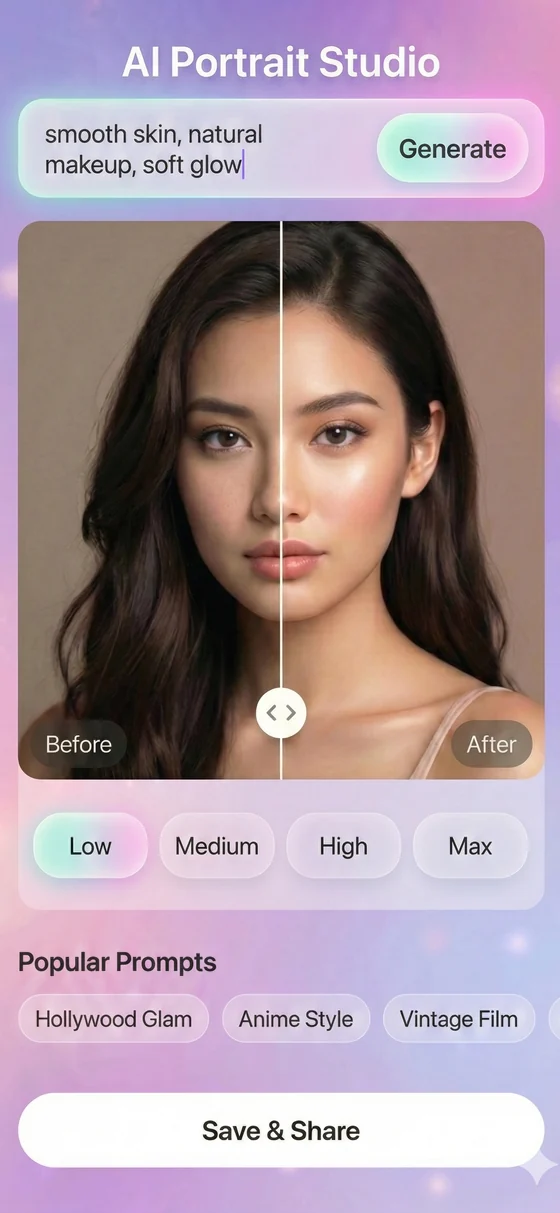
Retouch portraits with natural skin, makeup, and cinematic styles.
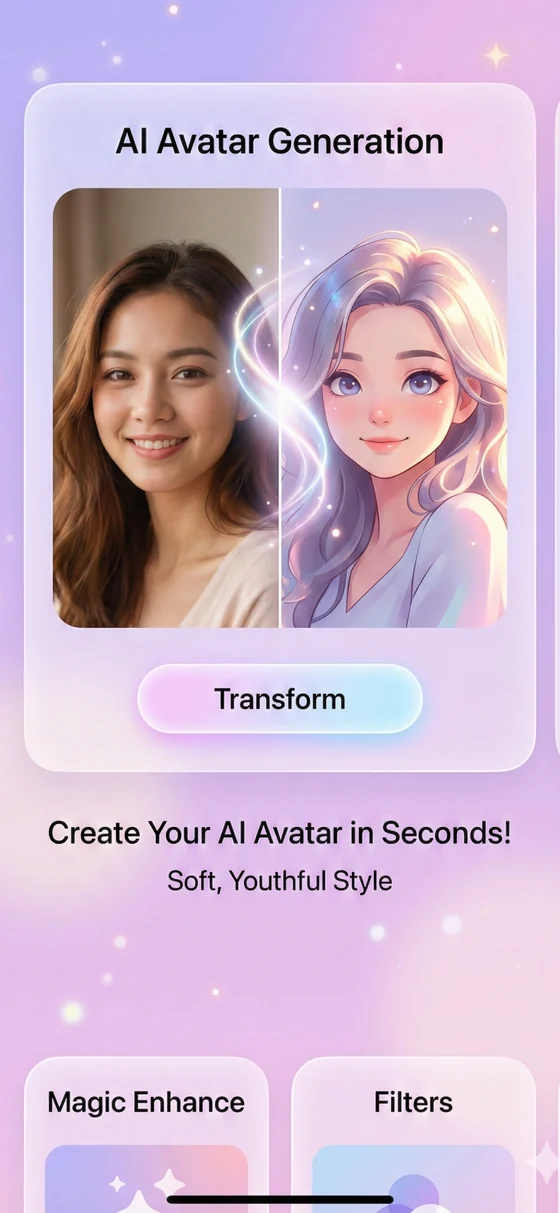
Transform selfies into soft, youthful, stylized avatars.
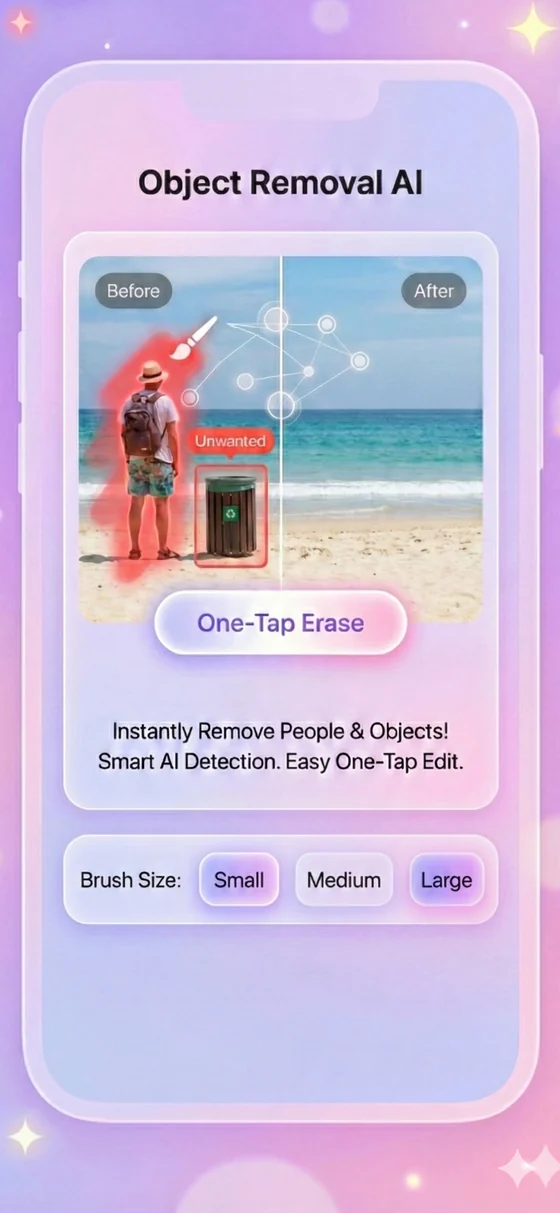
Erase unwanted people and objects with one-tap AI cleanup.
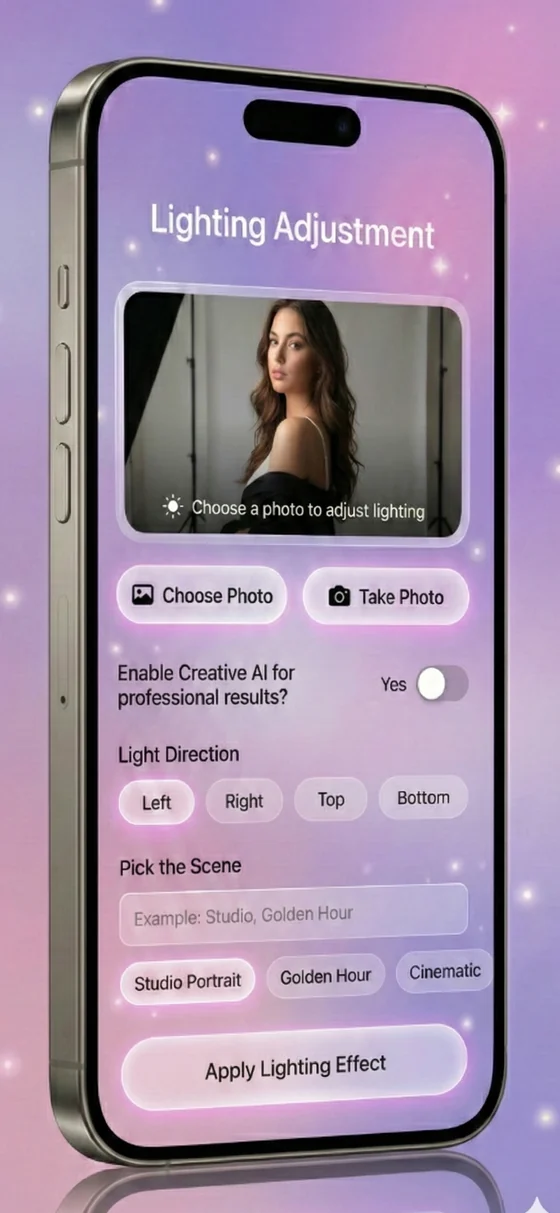
Improve lighting direction, mood, and professional photo depth.
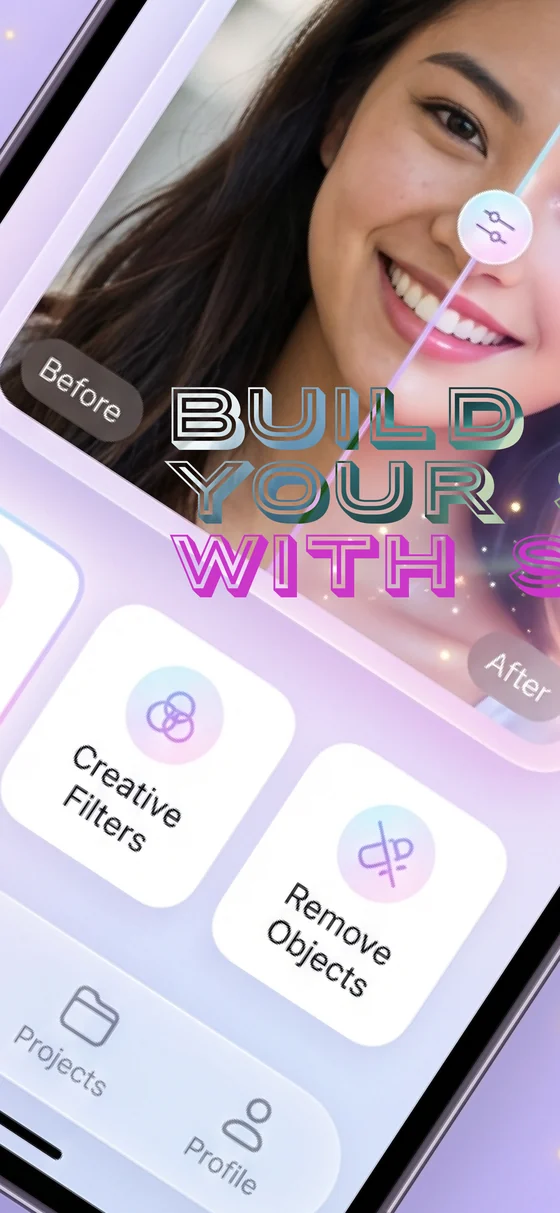
Explore visual effects and styles designed for social sharing.
How it works
This section is designed to reduce friction before download and help App Store reviewers understand the app experience.
Start from a selfie, portrait, or everyday image on your device.
Use photoshoot, avatar, object removal, lighting, filters, or portrait styles.
Save results locally and share your favorite edits anywhere.
Screenshots
Use high-quality screenshots because users decide visually whether a photo-editing app feels trustworthy and worth downloading.
Privacy & trust
The site keeps a clear policy path for App Store review, users, and ad verification while presenting the app professionally.
FAQ
Edited photos and generated results are saved locally on your device.
Some AI features require temporary server processing to generate results. The privacy page explains the current cache and retention details.
Suika may show interstitial ads at natural breakpoints and optional rewarded ads that users choose to watch for points.
Rewarded points can be used to generate Pro-level results without subscribing. Contact support if your points do not update correctly.